
Expertise
Our approachCasesCareersContactSEA
SEO
CRO
Social
Data
AI Marketing
WHAT WE SPECIALISE IN
SEO
Social


Google Tag Manager (GTM) is the secret force behind effective website tracking and data management. It lets you collect data effortlessly and accurately and send it on to various tools, without needing in-depth technical knowledge. In this blog, we explore what GTM is, how it works, how to install it and what you can do with Google Tag Manager. Whether you're a seasoned professional or a newcomer, GTM offers a valuable solution for managing your website tracking and analytics.
Google Tag Manager is a free tool from Google that lets website owners and marketers manage tracking codes and tags on their website, so they don't have to make manual changes to the website code. This tool is designed to simplify the tag management process. Google Tag Manager can be complicated; getting an explanation of Google Tag Manager can help companies or people understand GTM.
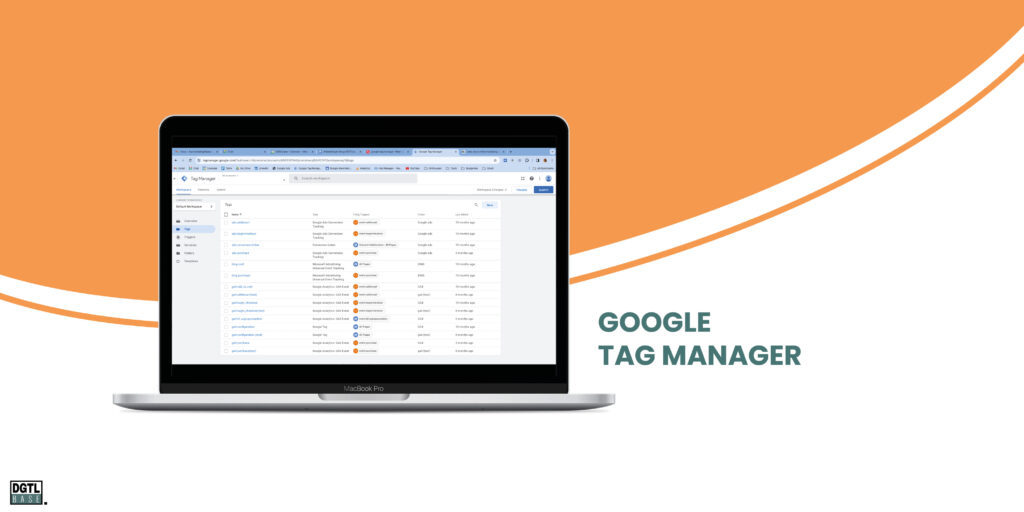
Tags are small pieces of code implemented on a website to track certain actions and events. Tags send information on to tracking and analysis tools. These can be tools such as Google Analytics, Google Ads, Google Survey and Google Data Studio, and many other tools. Tags are used to collect data on how visitors behave on a website. This includes tracking pages, events such as button clicks or form submissions, e-commerce transactions and more actions.
Tags, including custom HTML tags, are crucial for measuring and analysing the performance of a website and marketing campaigns. This type of tag provides you with valuable data that helps you understand how visitors respond to your website content and how people interact with your website. This lets you optimise marketing efforts, track down problems and make strategic decisions.
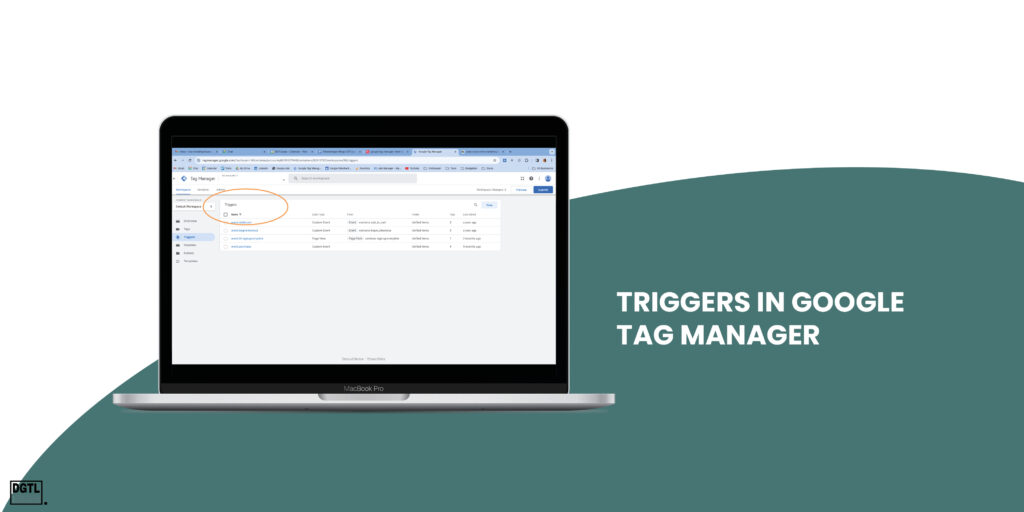
Triggers determine when a tag should be fired and data sent. Triggers are defined based on conditions such as URL patterns, clicks on specific elements, a page loading or other interactions. They tell Google Tag Manager when it's time to run a specific tag.
Variables contain dynamic information used by tags and triggers. They can, for example, contain the value of a custom JavaScript variable, such as the total value of a purchase on an e-commerce website. This lets you collect and analyse specific transaction data. Other examples of variables are current page titles or a call-to-action button. Variables are used to insert dynamic data into tags and triggers.
Google Tag Manager serves as a central management system for all tags. Instead of making manual changes to the website code for every new tag, GTM offers a simple solution.
Google Tag Manager (GTM) is known for its good integration options with other Google tools. These integrations let users make their online marketing activities more efficient. Below, we discuss how GTM works seamlessly with other popular Google products. Curious about the impact of outsourcing Google Tag Manager and how it can change your business? Request the free analysis!
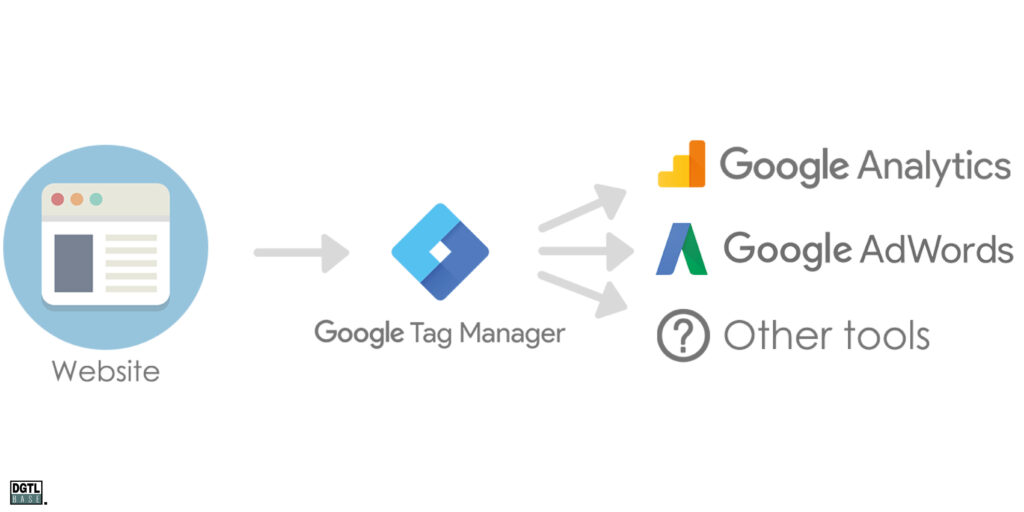
GTM is indispensable for configuring and managing Google Analytics (GA4) tags. By using Google Tag Manager, you can easily implement tracking codes for GA4 without having to make direct changes to the website code. This makes it easy to track visitor behaviour, conversions and other important things. With Google Tag Manager, you can also create more complex tracking set-ups, such as custom events and variables.
For businesses that use Google Ads, GTM is a very handy tool. It lets you manage conversion tags for Google Ads efficiently. This helps track the effectiveness of different campaigns and optimise ad spend. By using GTM, you can measure accurately how users interact with your ads and which actions they take on your website. For more insight into how to analyse and optimise your Google Ads campaigns, check out our blog on analysing Google Ads campaigns.
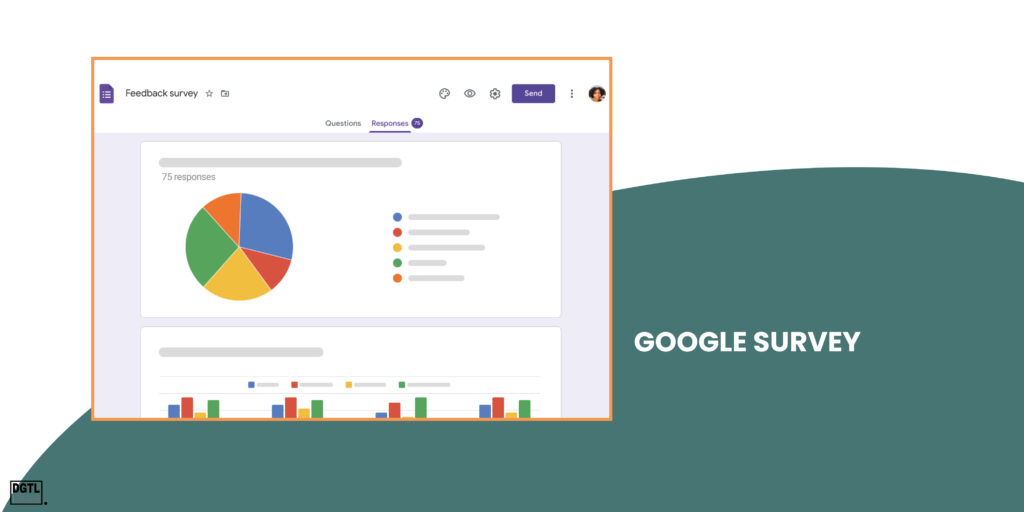
For businesses that use Google Survey, GTM can help implement survey tags on your site. This lets you collect direct feedback from users, which can offer valuable insights for improving products, services or website content.
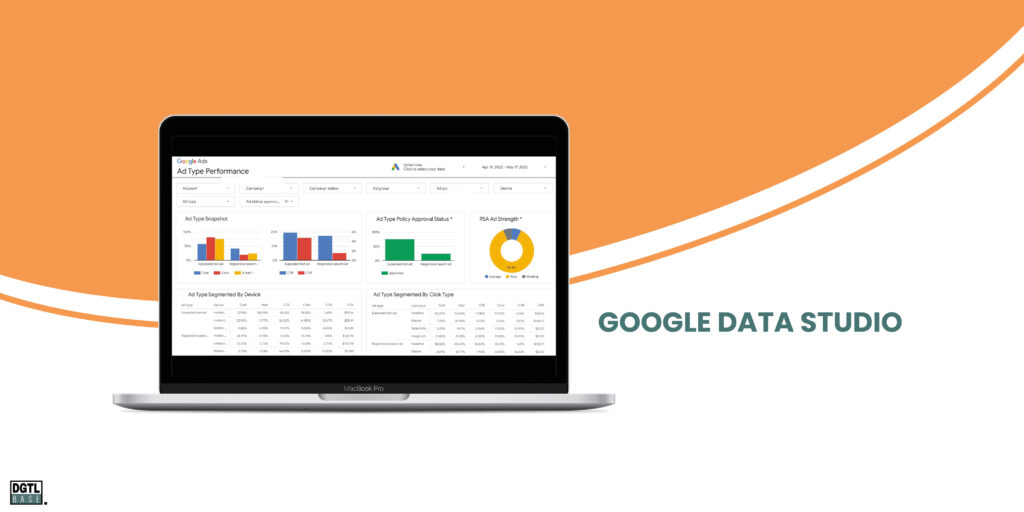
Although Google Data Studio isn't integrated directly via GTM, GTM plays an important role in collecting the data needed for comprehensive reporting. The data collected via GTM from different sources (tags) can be used to create custom reports and dashboards in Google Data Studio.
Installing Google Tag Manager on your website is an important first step in managing tags and tracking codes. Here are the steps to install GTM:
With GTM correctly installed, you can start configuring tags and triggers for your website. Here are some common steps:
After you've configured and tested tags, triggers and variables, you can publish the changes in Google Tag Manager. The published version of your container will become active on your website and will start collecting data.
Tracking events on your website is essential to gain insight into how users interact with your site. These events can range from clicking buttons and links to submitting forms, video views, scrolling behaviour and much more. With GTM, you can capture these events accurately and send the associated data on to analytics and advertising tools. Here's how to do it:

Before you start, it's important to identify the events you want to track on your website. These can be actions such as:
With the events in mind, you can configure tags and triggers in GTM:
When tracking events via Google Tag Manager, you can capture specific data and send it on to analytics tools. You do this by defining variables, linking them to triggers and then specifying in the tag configuration which data should be passed on. Test and debug the configuration before you publish changes, so the data recording runs smoothly.
After you've configured and tested the tags and triggers, you can publish the changes in GTM. This makes the event tracking set up in GTM active on your website.
Does Google Tag Manager work for mobile apps? Google Tag Manager isn't just a powerful tool for websites, it also offers extensive support for mobile apps. Using GTM in mobile applications can simplify managing analytics and tracking. Below, we describe how GTM can be integrated into mobile apps.
One of the biggest advantages of GTM for mobile apps is its cross-platform functionality. GTM supports both Android and iOS, making it a flexible solution for managing tags across different mobile operating systems.
Just as with websites, GTM lets you implement tags without needing to change the app code. Tags can be used to track user interactions, such as screen taps, app settings and user behaviour.
Google Tag Manager makes it easy to track different events within your app. This can range from tracking in-app purchases and user interactions to measuring the effectiveness of user flows. By using GTM, you can gain detailed insights into how users engage with your app.
For users of Firebase, Google's mobile development platform offers seamless Google Tag Manager integration. This lets developers use data from Firebase for advanced analysis and tracking. GTM works with Firebase to collect detailed user and behavioural data, which can be crucial for optimising the app experience.
Just as with websites, GTM in mobile apps uses variables and triggers to determine when and how data should be collected. This flexibility makes it possible to develop custom measurement strategies specific to the unique needs of your mobile app.
Although Google Tag Manager is a powerful tool for managing and implementing website tags, it also brings some challenges. These disadvantages are especially noticeable for users who are new to GTM. Below, we discuss these disadvantages and how outsourcing GTM can sometimes be a sensible choice.
Mastering GTM takes time and patience, especially because GTM can be a complicated tool given its versatility. It requires technical knowledge to configure tags, triggers and variables effectively. For businesses without this expertise, outsourcing GTM management can be a time-saving and efficient solution.
Careless use of GTM can lead to too many tags, which can slow down your website's loading speed. Optimising tags is essential to prevent performance problems. Google Tag Manager experts can help balance tracking needs with website performance.
When using Google Tag Manager, it's crucial to comply with privacy legislation; mistakes in tag management can lead to privacy problems. Outsourcing to specialists ensures your tags comply with the latest privacy legislation, minimising the risks.
Google Tag Manager offers various advantages; below are some important reasons why you should use Google Tag Manager.
Google Tag Manager simplifies the management of tracking codes and tags on your website. Instead of implementing each tag manually in the website code, you can manage them all in one place. This saves time and minimises errors that can occur with manual code changes.
With Google Tag Manager, you can implement tags directly on your website without having to wait for website developers. This means you can quickly add new tracking code or update existing code, giving you immediate insight into user behaviour.
You don't need in-depth coding knowledge to use Google Tag Manager. This means marketers and non-technical team members can manage tags without depending on web developers. This lets you respond faster to changing tracking needs.
Google Tag Manager offers the flexibility to tailor tags to your specific needs. You can set triggers based on user interactions, such as button clicks, form submissions and scrolling. This means you can track specific events and actions that matter for your website.
With Google Tag Manager, you can implement tags for powerful analytics tools such as Google Analytics, Google Ads, Google Survey and Google Data Studio. This gives you insight into how users interact with your website, which pages are popular, which ads are effective and more. This lets you optimise your website and marketing efforts.
Google Tag Manager supports easily adding code for A/B testing on your website. This lets you test different versions of your website and analyse which is most effective at achieving your goals.
By managing tags in Google Tag Manager, you keep your website code clean and organised. This not only improves your website's performance, but also makes it easier to make changes and solve problems.
An important advantage of Google Tag Manager is that it's a free tool offered by Google. This means you have access to advanced tag management at no extra cost.
Although Google Tag Manager is a powerful tool, it can be complex to manage if you have no experience with tracking and tags. In such cases, outsourcing Google Tag Manager to DGTLbase can be a sensible choice. This ensures your tags are configured correctly and you can collect valuable data without worries or errors. Start outsourcing Google Tag Manager now and experience the benefits of Google Tag Manager for your business!