Expertise
Our approachCasesCareersContactSEA
SEO
CRO
Social
Data
AI Marketing
WHAT WE SPECIALISE IN
SEO
Social

Knowledge base
In this article, we explain how to add someone to your Facebook Business Manager account.
Step 1: Log in to Facebook Business Manager
Step 2: Go to settings.
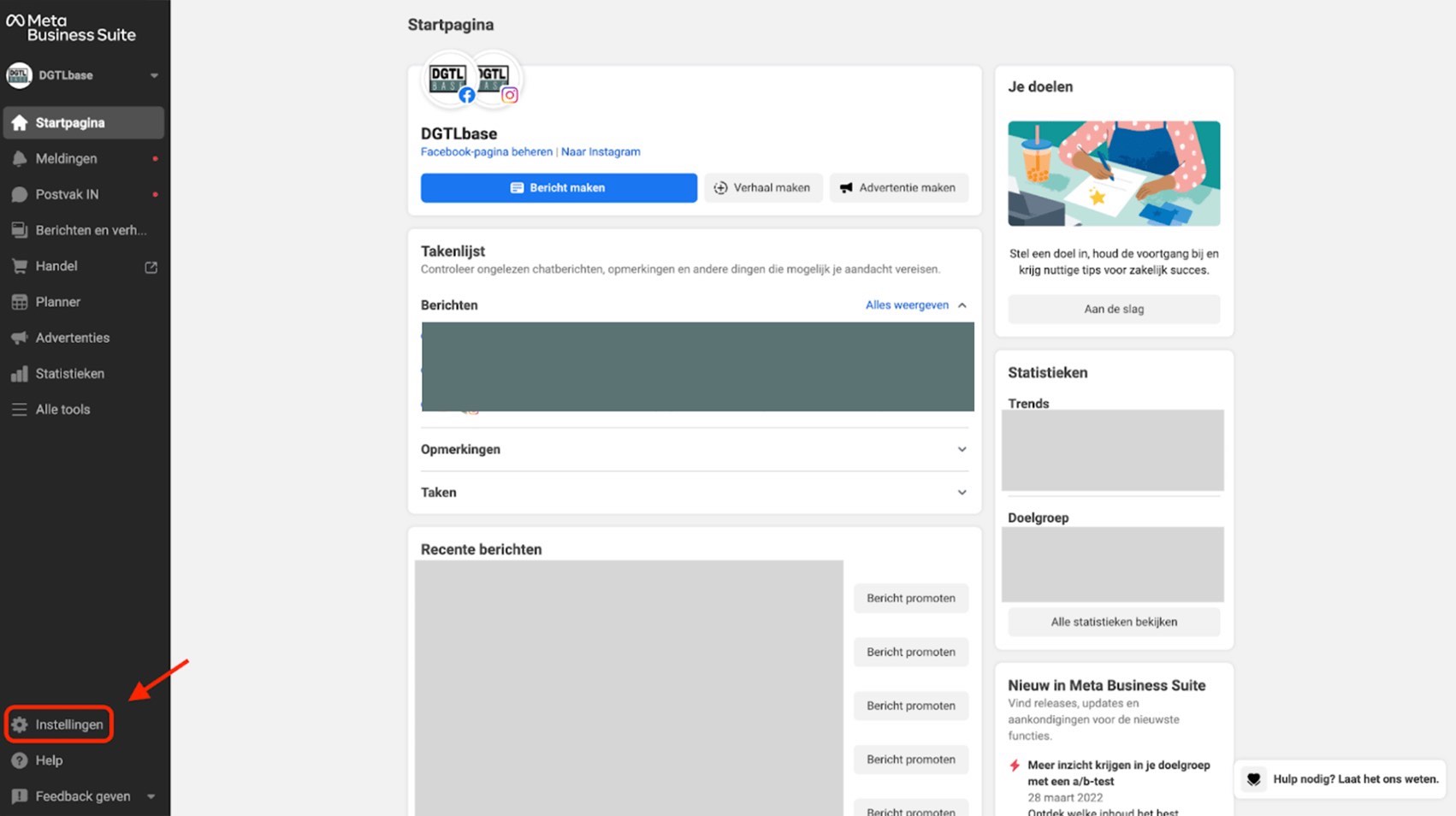
Step 3: Click ‘People’ in the left-hand menu.
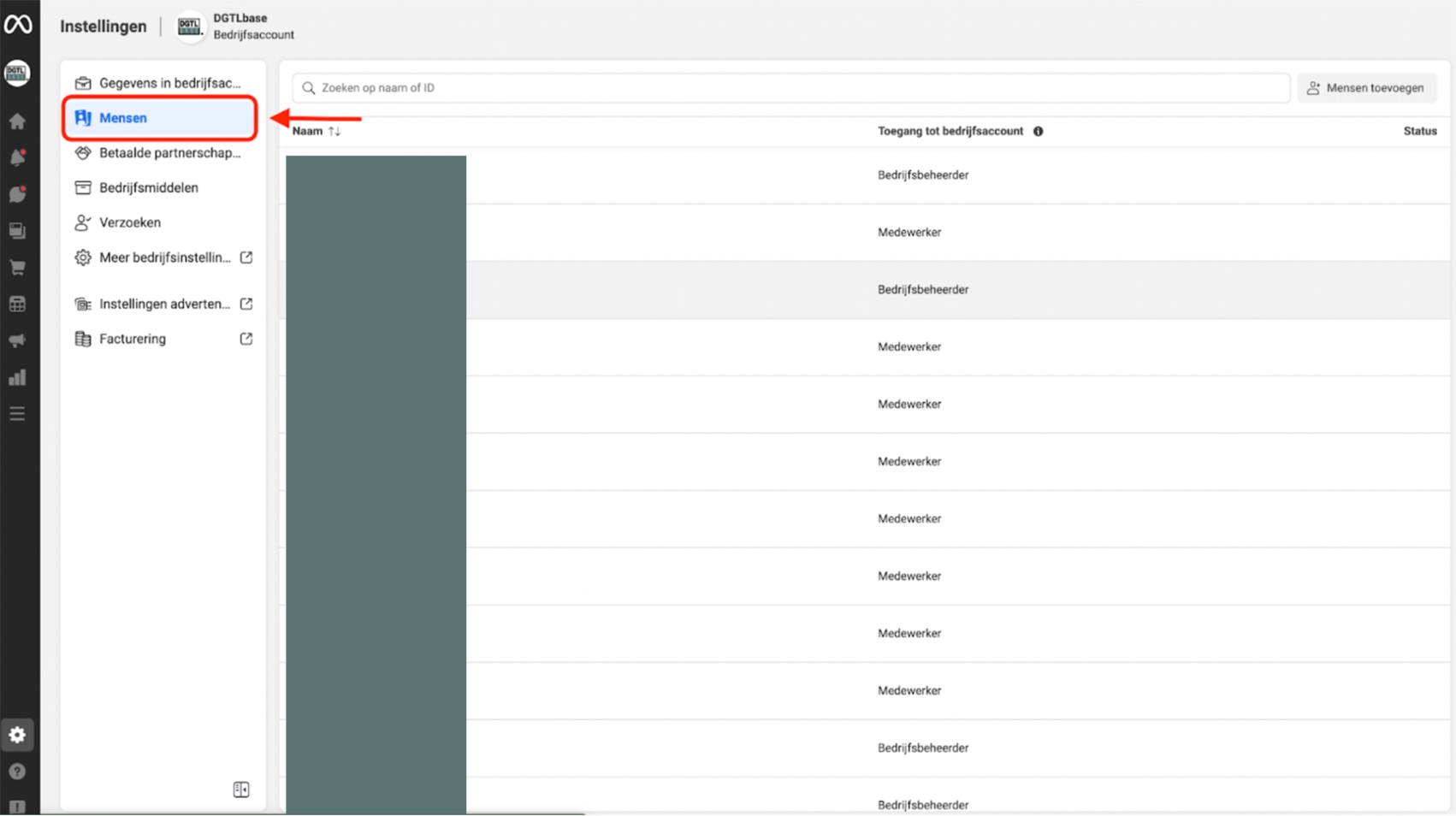
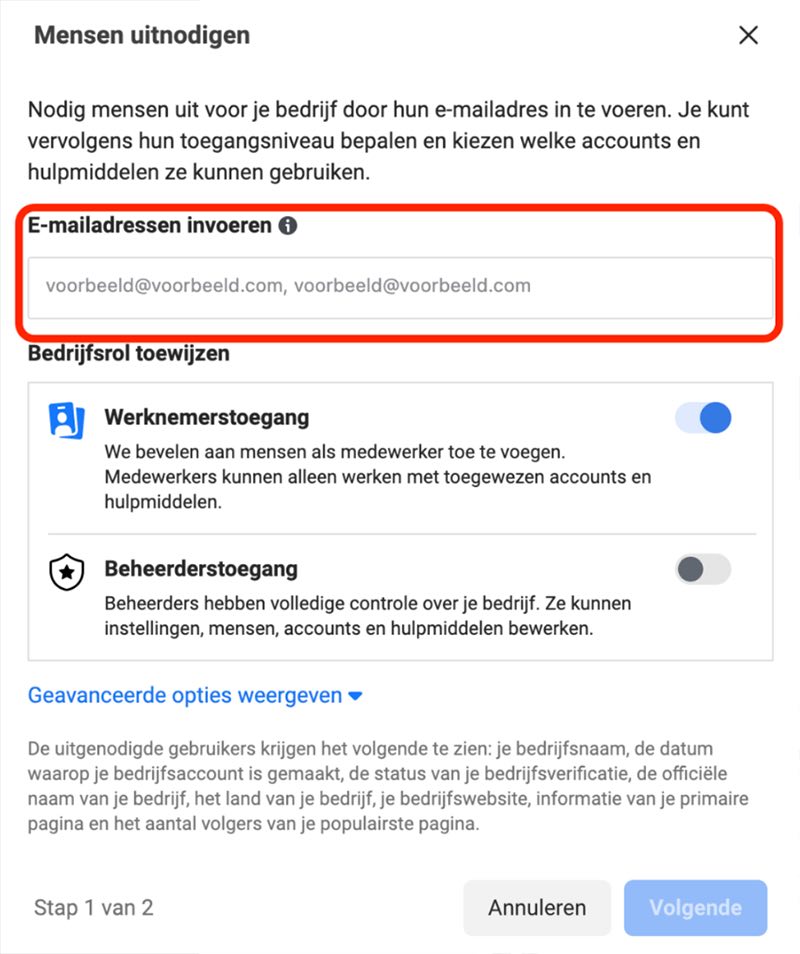
Step 4: Click ‘Add people’ and enter the email address they use on Facebook.
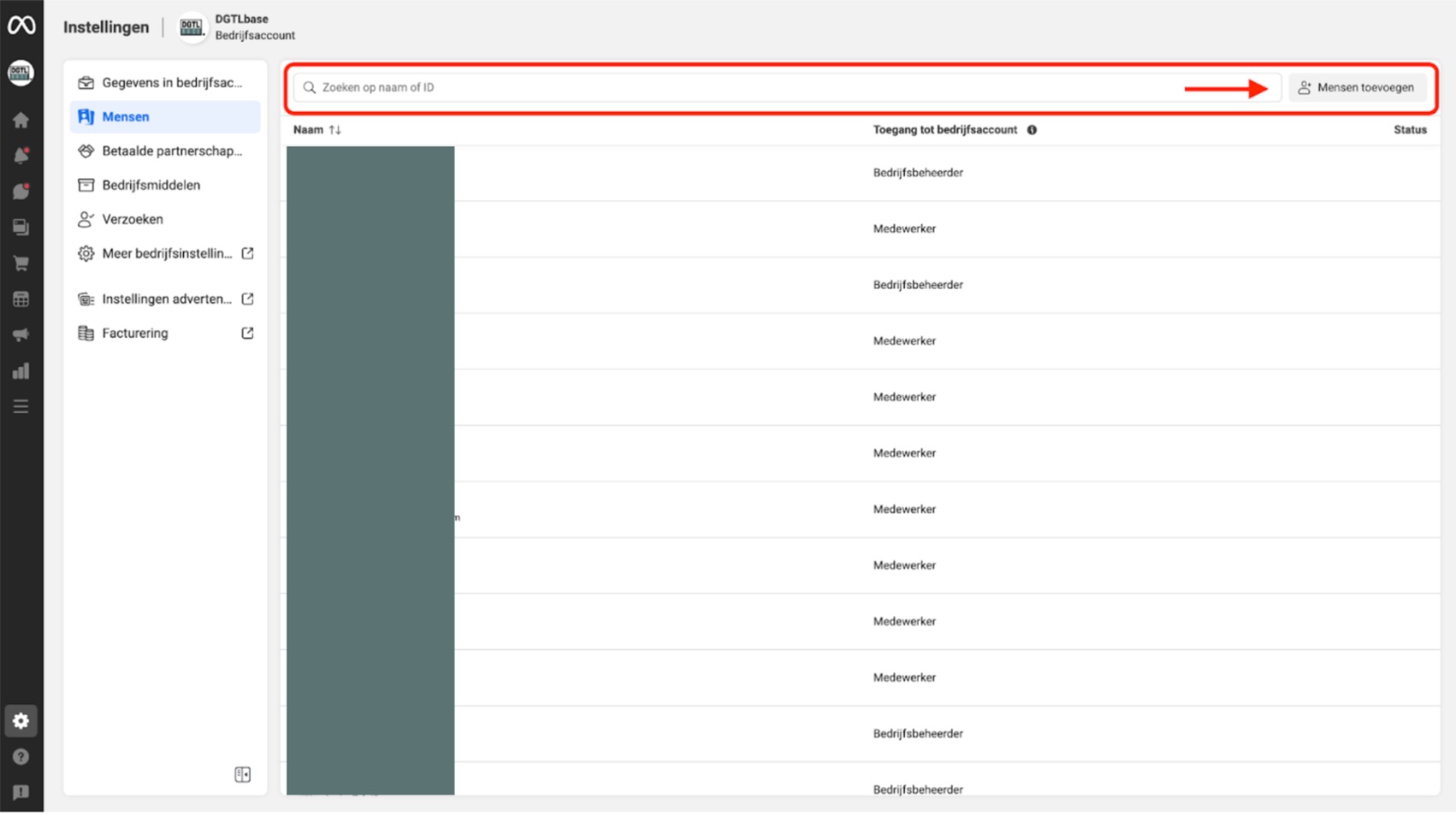
Step 5: Give people access here by entering the email address of the person you want to add to your Facebook Business account, then click ‘Next’.
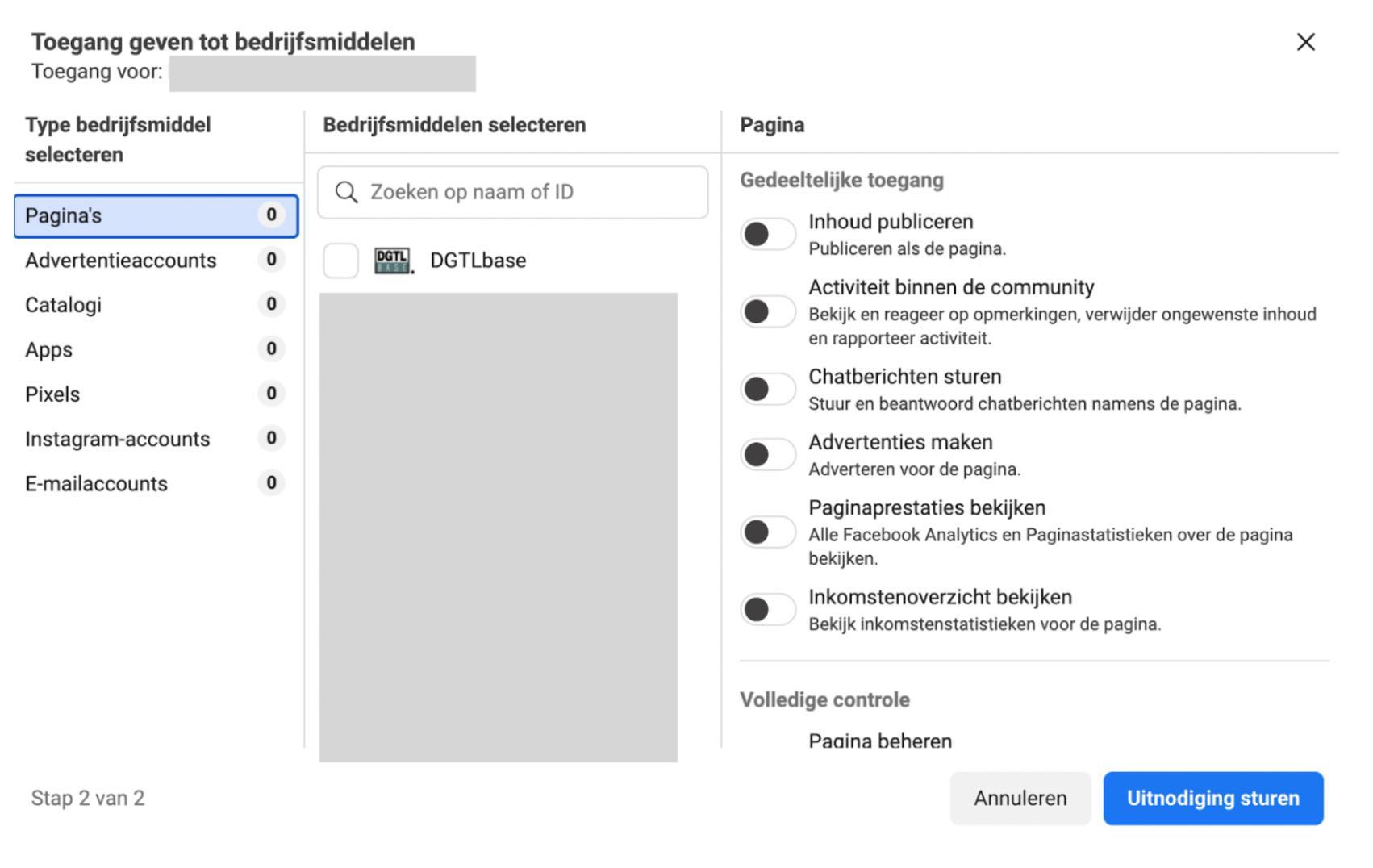
Step 6: Choose the business assets you want to grant access to and send the invitation.